
AI SEO content generator: what one topic actually produces
SEO content is a package, not a block of prose. This page lists exactly what wordiqo returns for a single topic — article, meta tags, keyword map, outline, sources, image alt text and exports — so you can judge the output before you generate anything.
The deliverables from a single run
Each generation produces the pieces you would otherwise assemble across a keyword tool, a research tab, a writing app and an on-page checker.
| Deliverable | What it contains | Where it goes |
|---|---|---|
| Article body | One H1, nested H2/H3 sections, answer-first passages | CMS, or the inline editor |
| Meta tags | Meta title and meta description written to length | Head of your published page |
| Keyword map | Primary term plus secondary cluster, with density per term | On-page review before publishing |
| Outline | The heading tree, reorderable | Briefing or restructuring |
| Sources | URLs returned by the research step | Citations and fact-checking |
| Image alt text | SEO alt, accessibility alt, long description and a suggested file name | Image tags and file naming |
| Exports | DOCX file, or copy that preserves semantic HTML | Handover to editors or CMS paste |
Generation inputs you control
The generator is deliberately narrow: four inputs, no prompt engineering. Signed-in users can save language, tone and length as account defaults so every new piece starts consistent.
- Topic — a query or subject, not a prompt
- Language — English, Spanish, French, German, Portuguese or Italian, written natively rather than translated
- Tone — professional, conversational, academic, friendly or authoritative
- Length — short (~800 words), medium (~1,500) or long (~2,500)
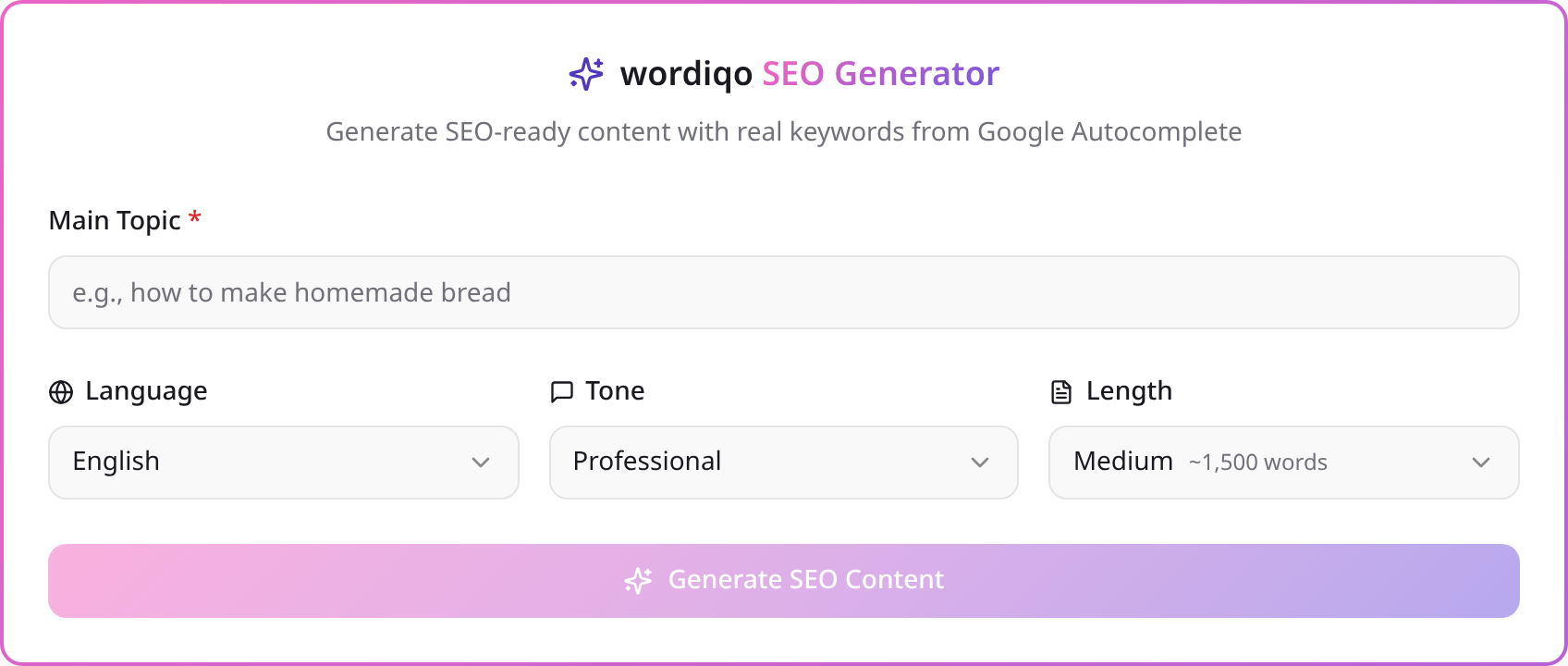
Image alt text from an actual image
Most generators guess alt text from a filename or a description you type. wordiqo can analyse the image itself: upload one (it is read in the browser and analysed on the fly, never stored) and you get an SEO alt within the length screen readers handle, a neutral accessibility alt, a longer description and an SEO-friendly file name.
Working with the output after generation
Generation covers research, structure and metadata. The differentiating part — your data, examples and opinions — is where your time should go, so the output is built to be edited rather than accepted.
- Drafts are saved in your dashboard; guest generations sync to your account at sign-in
- Regenerating a topic produces a genuinely distinct version rather than a reshuffle of the same draft
- Any section can be rewritten alone, and new topics can be inserted with a placement preview
Questions people ask
How long is the generated article?
- You choose before generating: roughly 800, 1,500 or 2,500 words. Length is a target for the model, not a hard character count.
Can I export the result?
- Yes — download as DOCX, or use the copy action, which preserves semantic HTML so headings and lists survive the paste into a CMS.
Are the keywords real search data?
- The keyword angles come from Google Autocomplete variations collected during the research pass, alongside an analysis of pages currently ranking for the topic.
Keep reading
- the full AI SEO writing workflow — how the research pass, drafting constraints and quality guards fit together.
- on-page fundamentals every generated page must pass — the checklist behind the metadata, heading and density output.
- editing and expanding long-form drafts — what to do with the output once it is in the editor.
- scaling generated content without thin pages — where per-piece generation ends and a page factory begins.